Convert POSB Passbook Savings Account
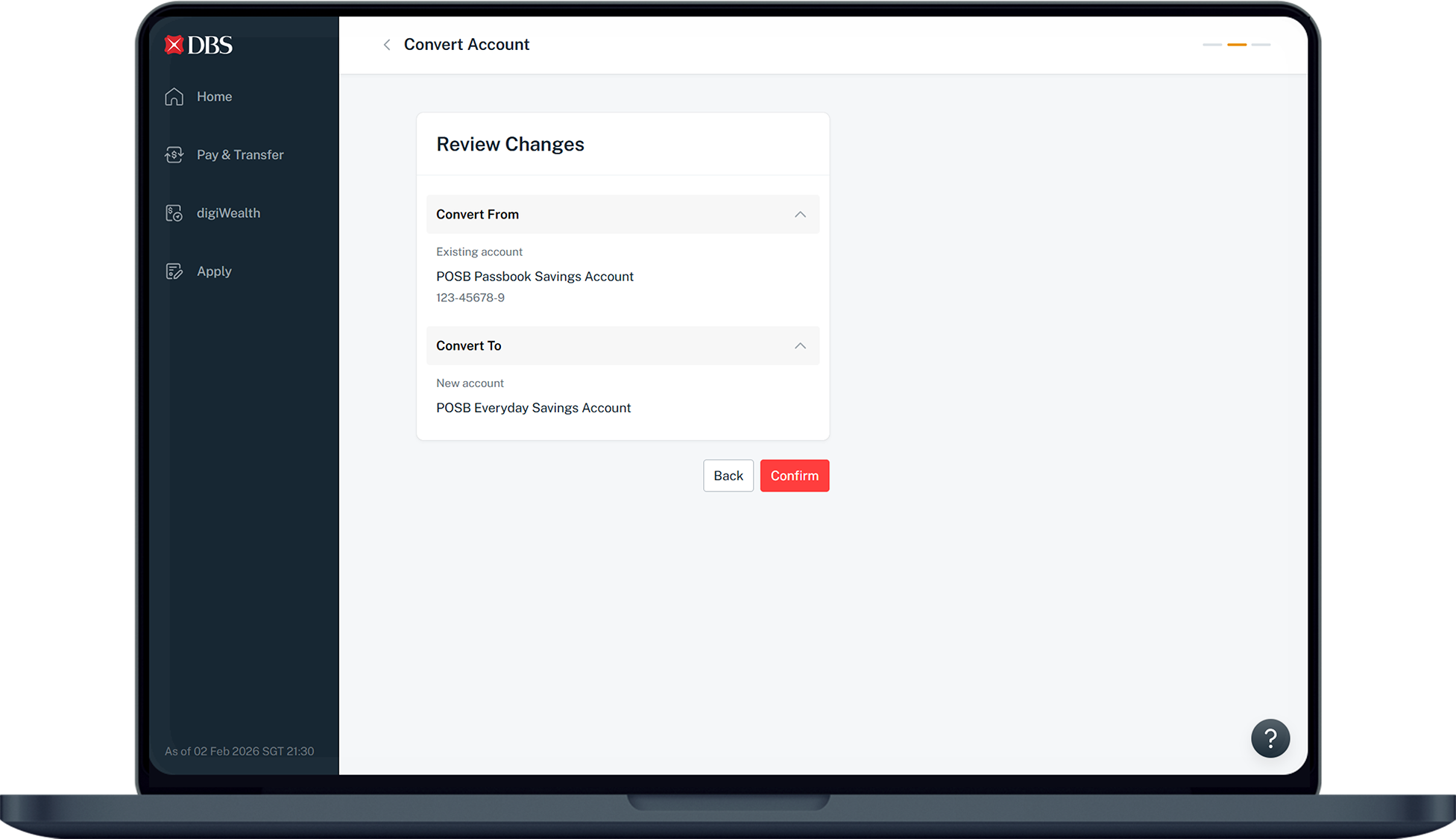
Convert your existing POSB Passbook Savings Account into a POSB Everyday Savings Account without a change in your account number and services.
Part of: Guides > Your Guide to digibank
How to convert POSB Passbook Savings account
There are various channels which you may convert your POSB Passbook Savings Account with us. The most convenient method would be via digibank mobile.
digibank Online


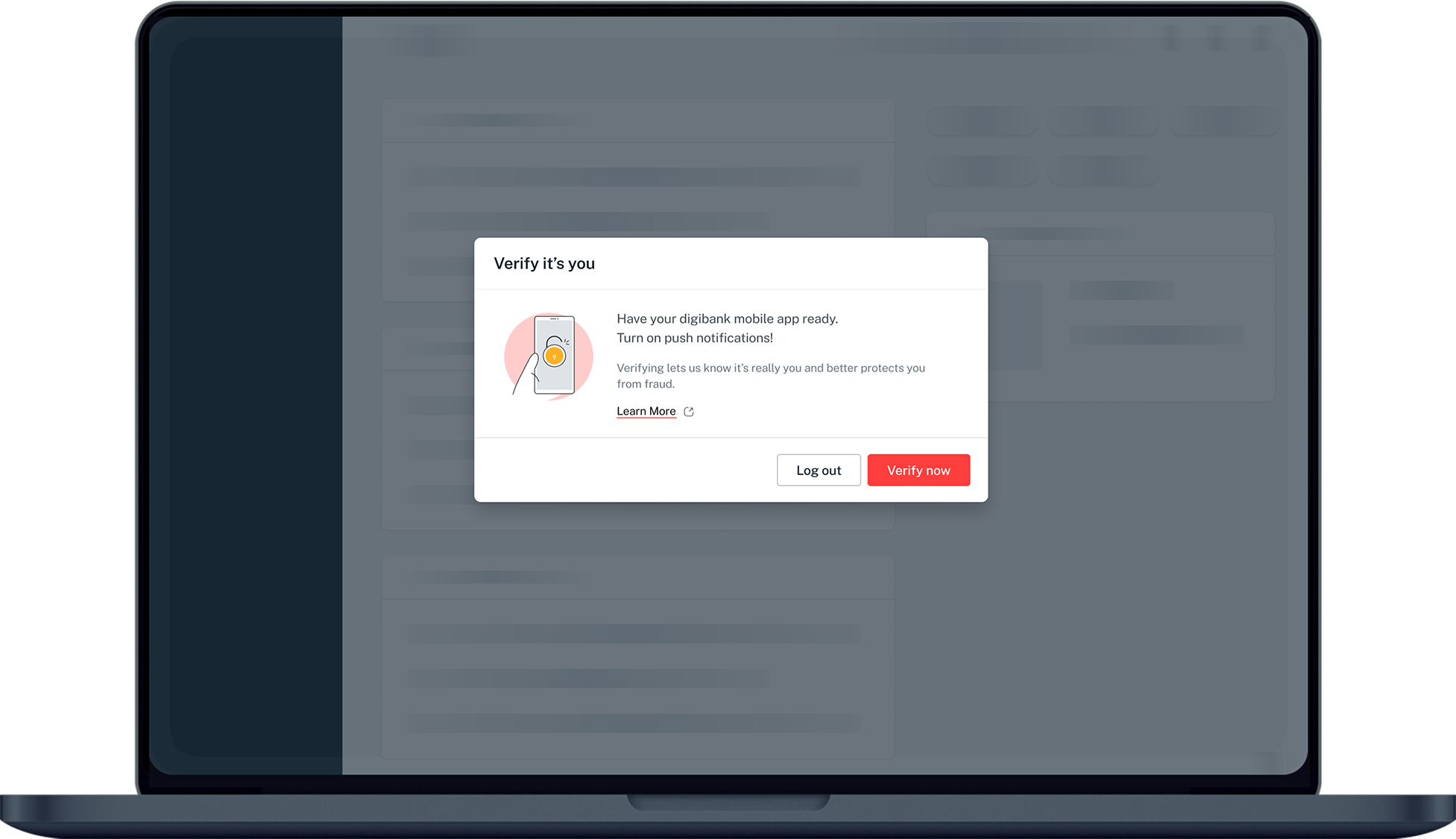
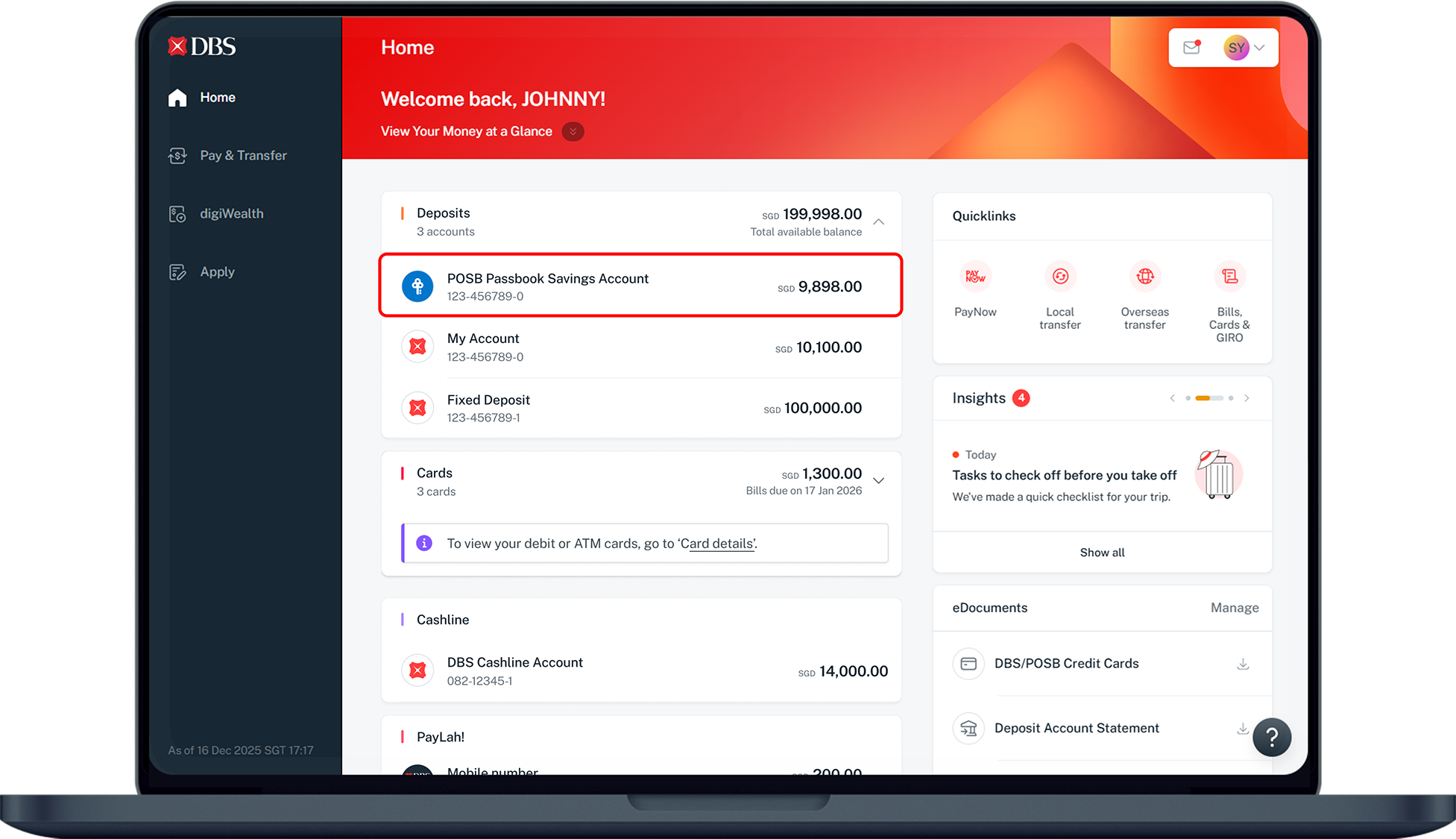
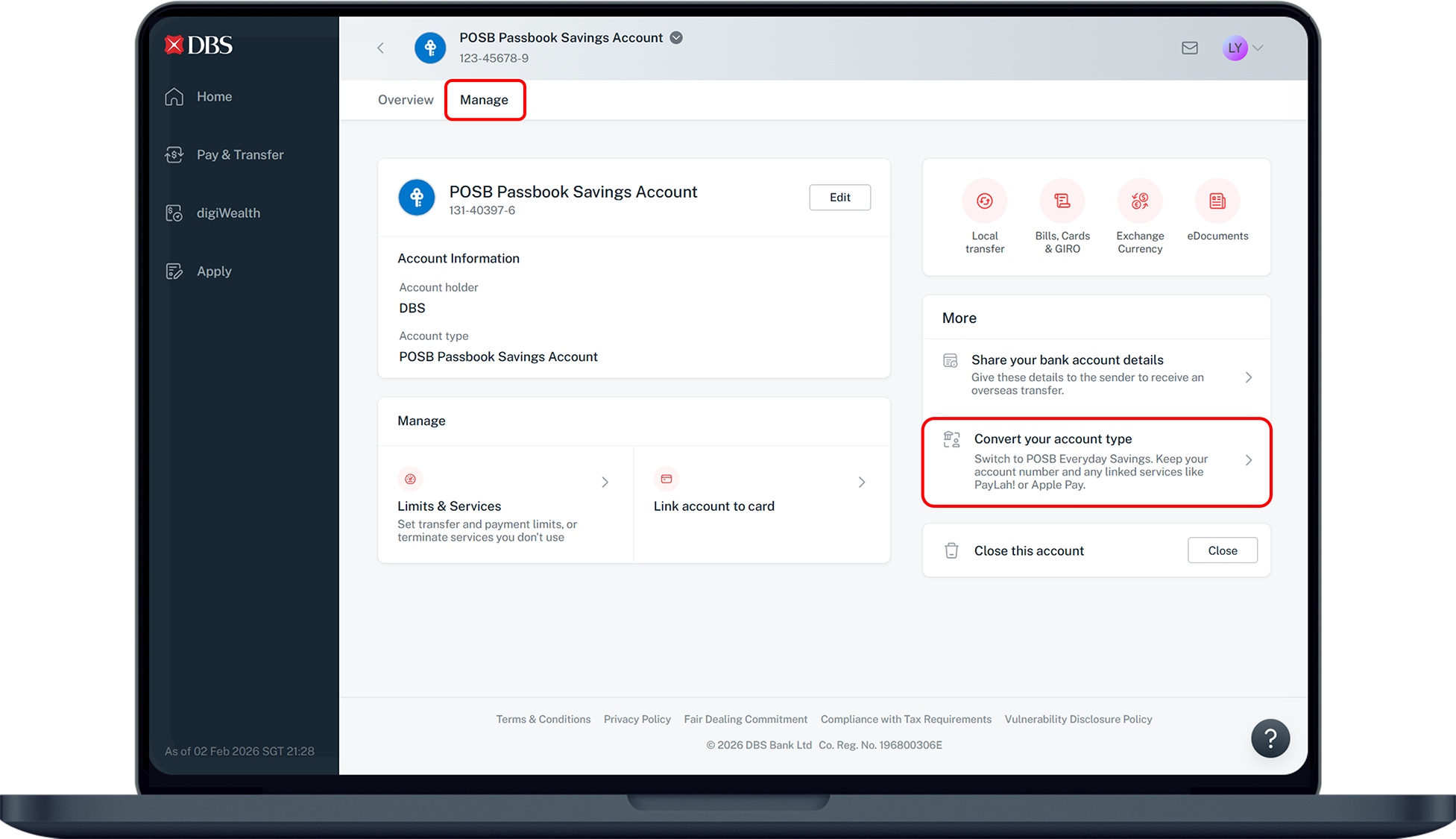
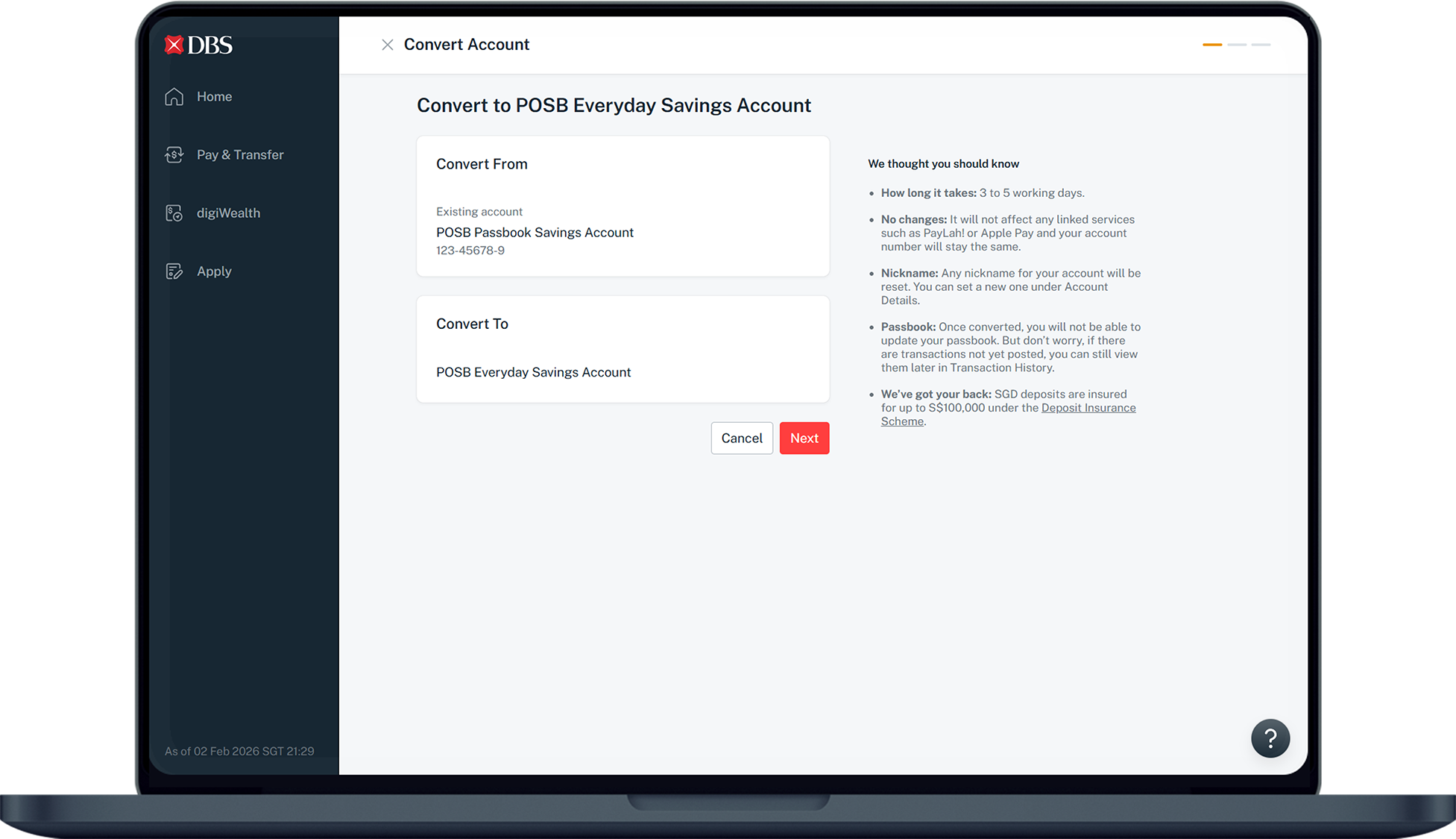
More information
- Upon successful conversion, you will no longer be able to update your Passbook; you will instead receive monthly eStatements for the transactions on your POSB Everyday Savings Account.
- If you do not currently have a debit card, you will receive a DBS Visa Debit Card upon conversion.
Was this information useful?