Set up Standing Instruction for Local Funds Transfer
Need to transfer money on a regular basis to a designated account? Learn how you can set up a recurring local funds transfer via digibank Online.
Part of: Guides > Your Guide to digibank
Important information
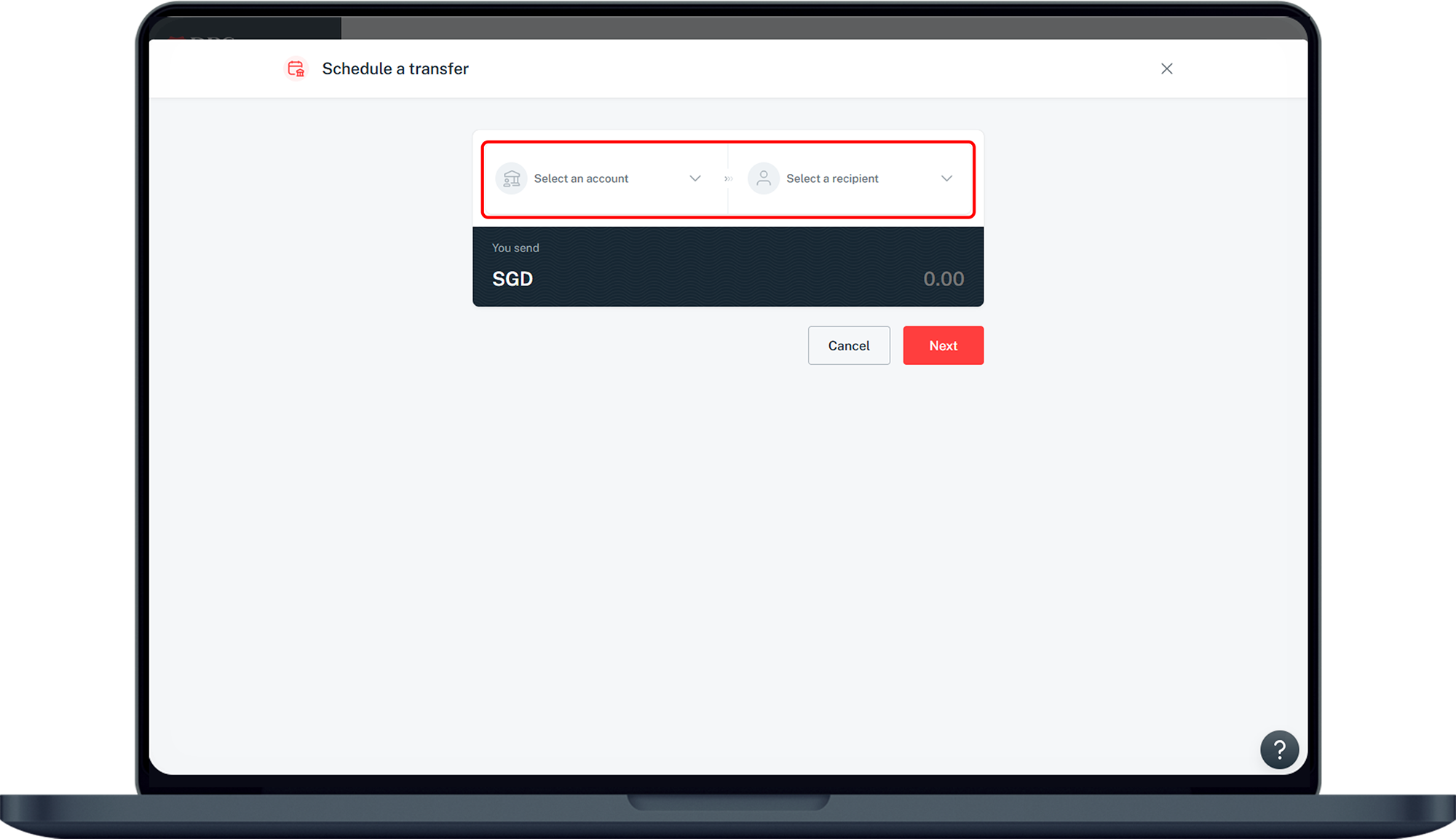
- A Standing Instruction service automatically transfers a fixed amount in SGD from your DBS/POSB Savings or Current Account to a designated local receiving account on a regular basis of your choice.
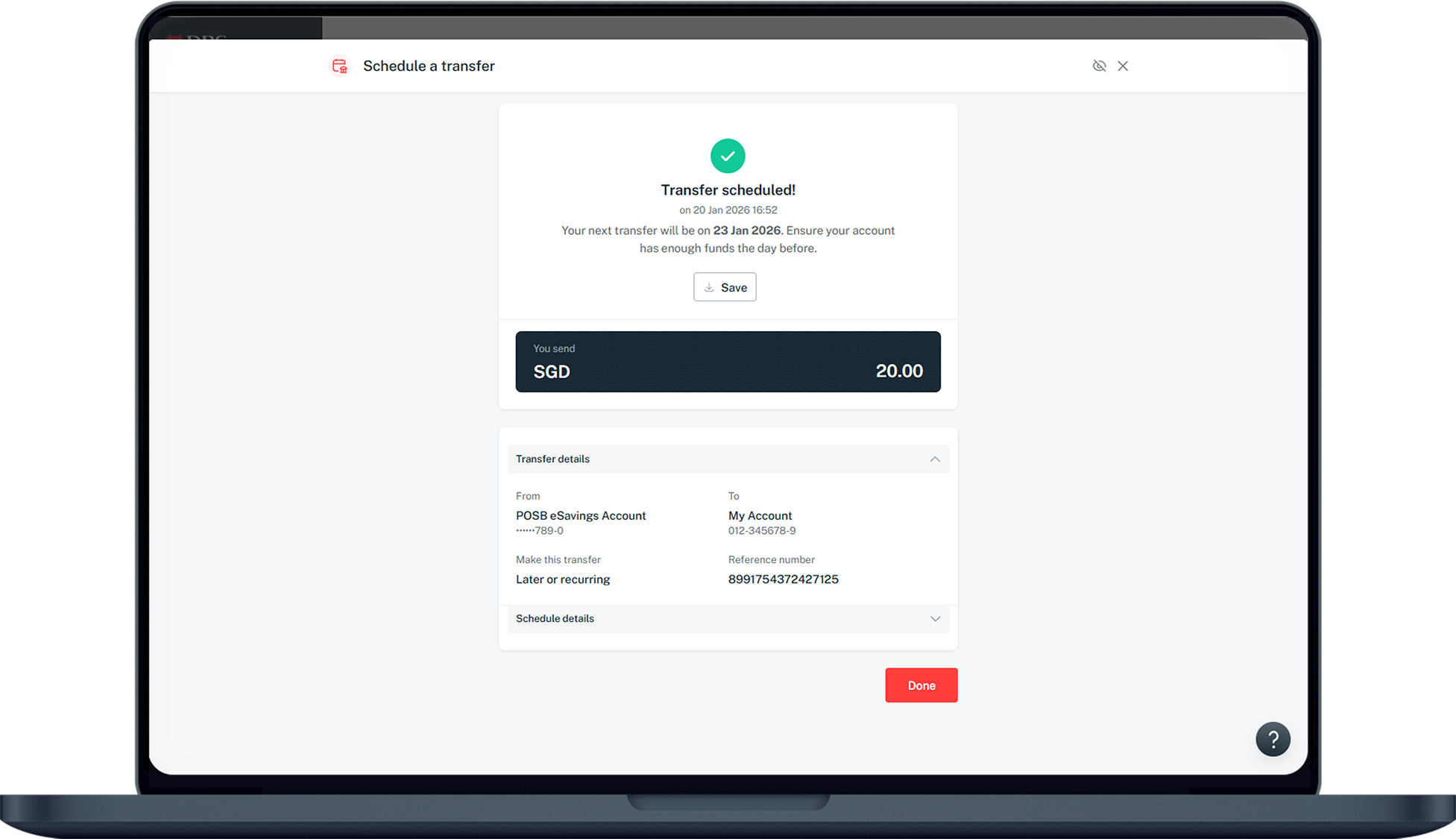
- A new standing instruction takes 3 working days to be in effect.
- POSB Kids-Trust Account is not available for standing instruction.
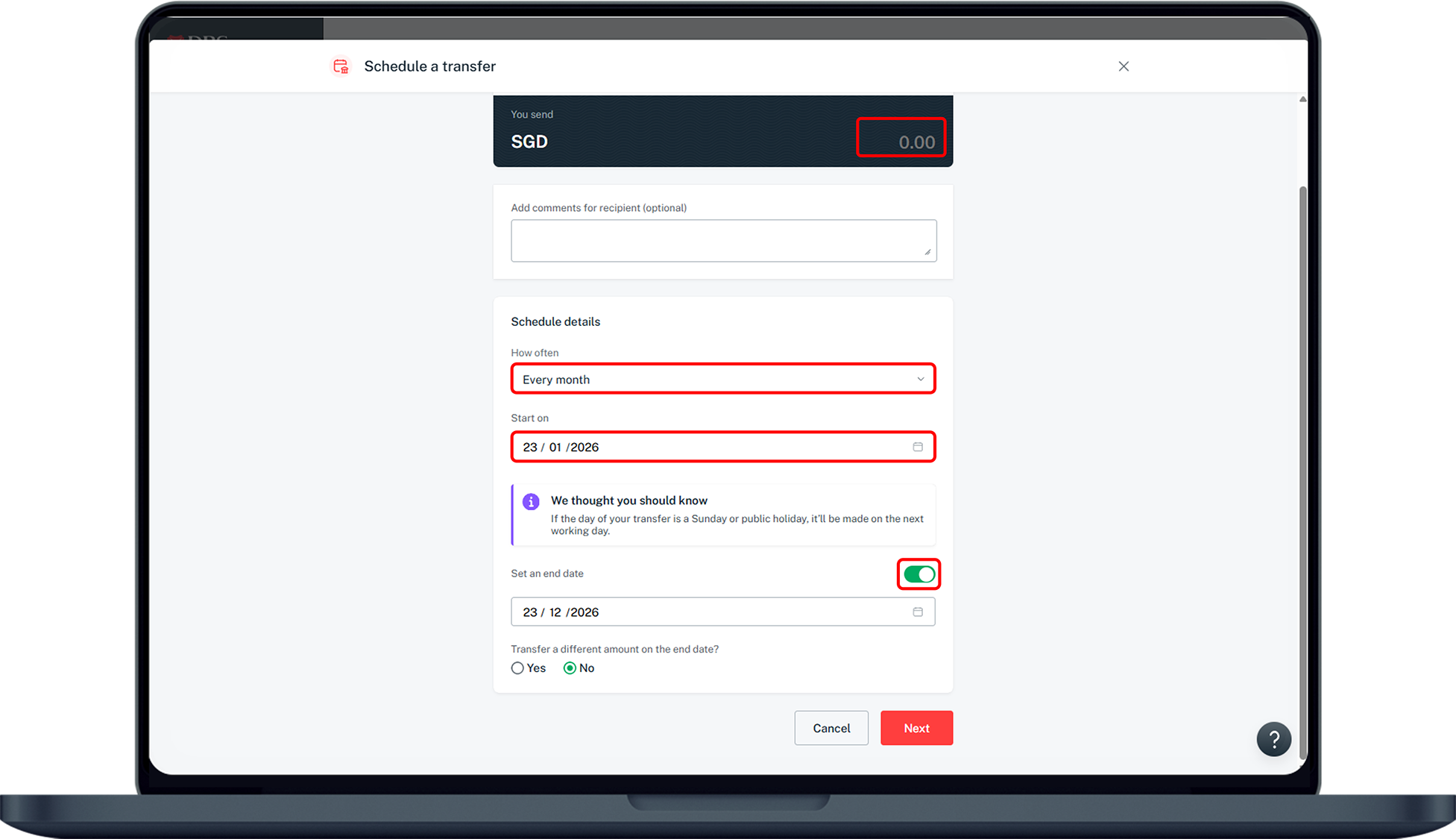
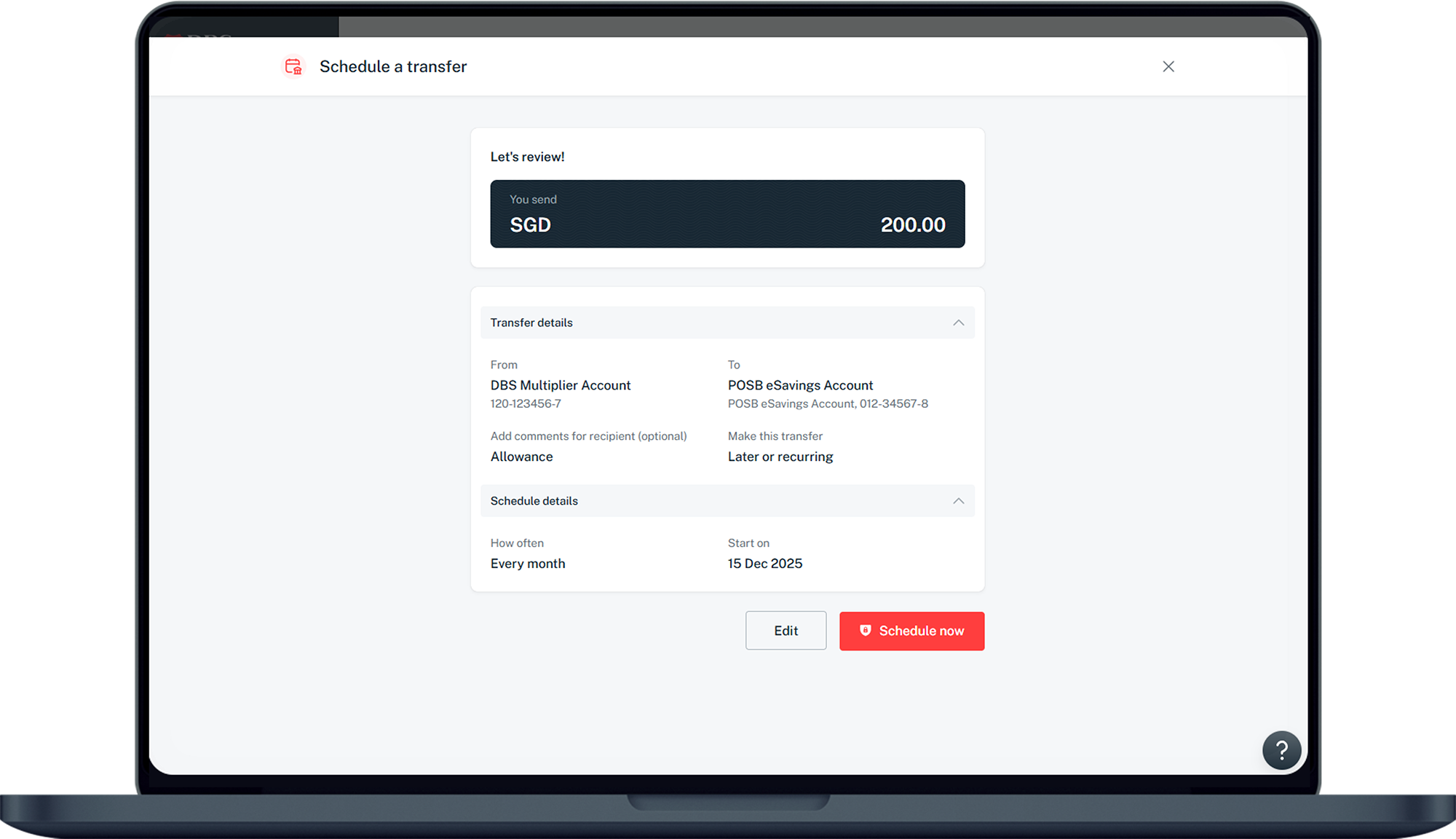
How to set up Standing Instruction for local funds transfer
digibank Online

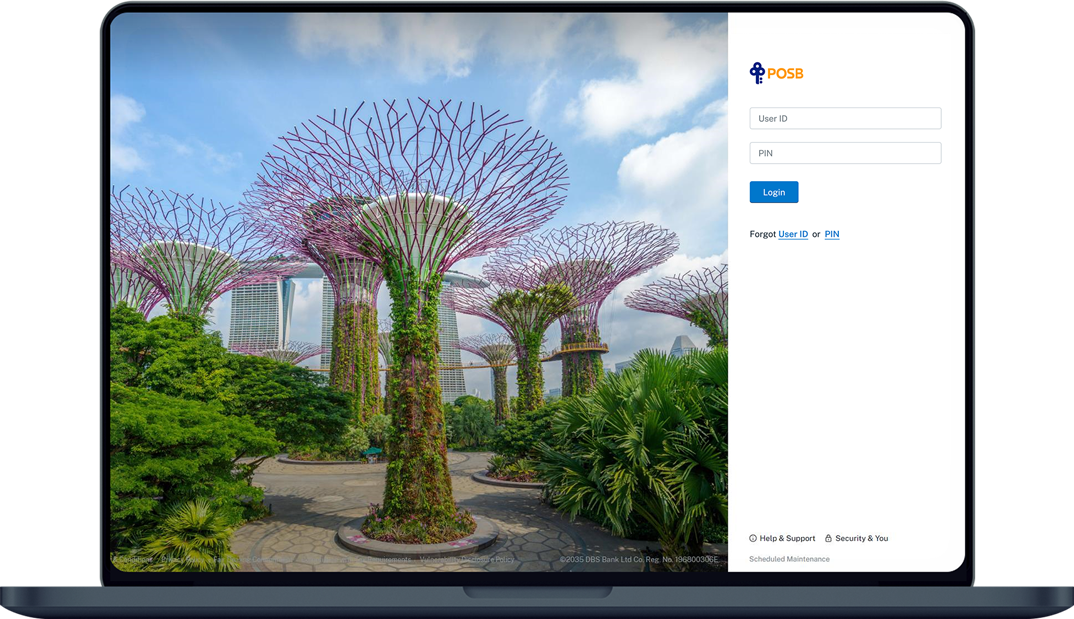
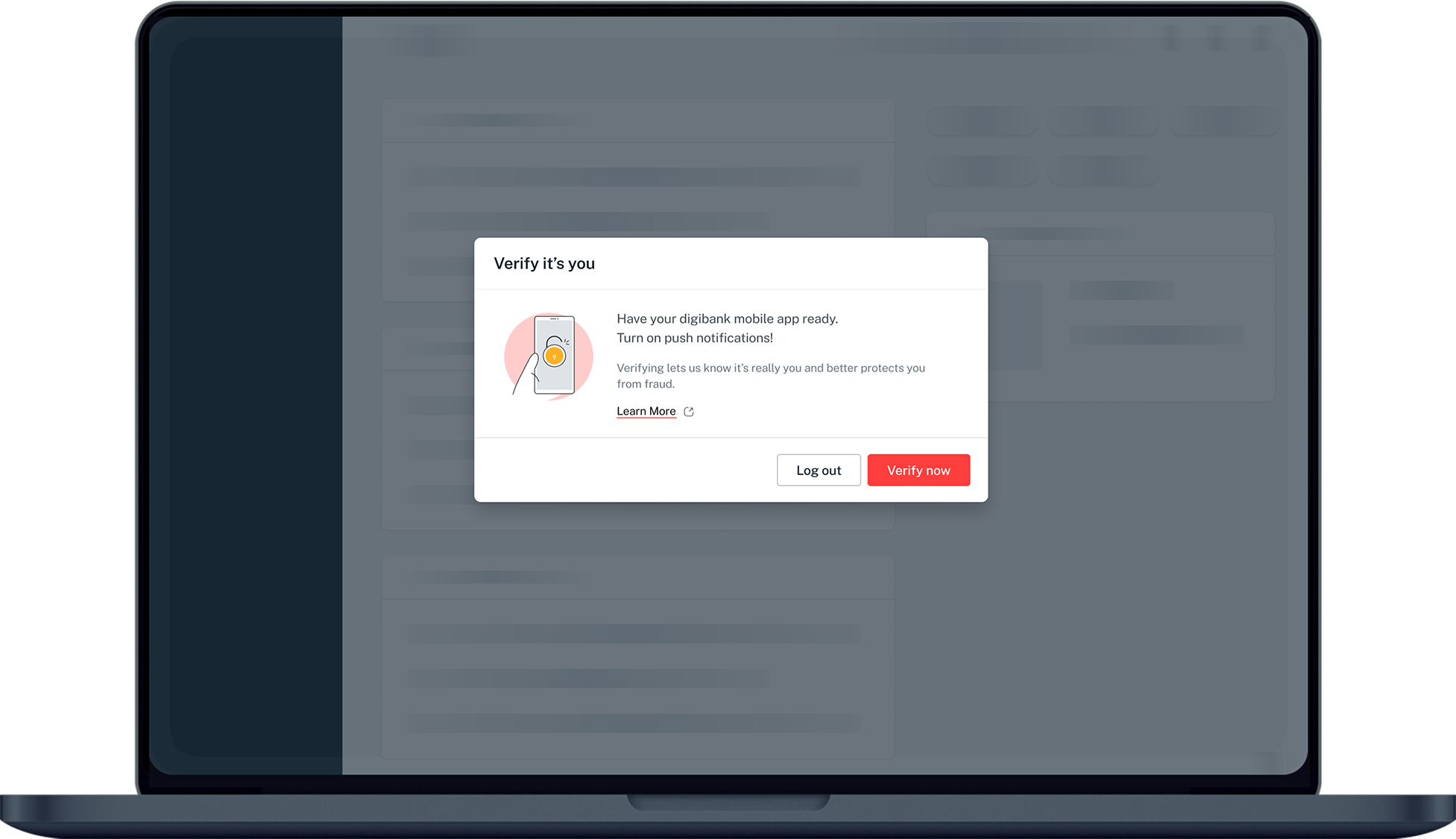
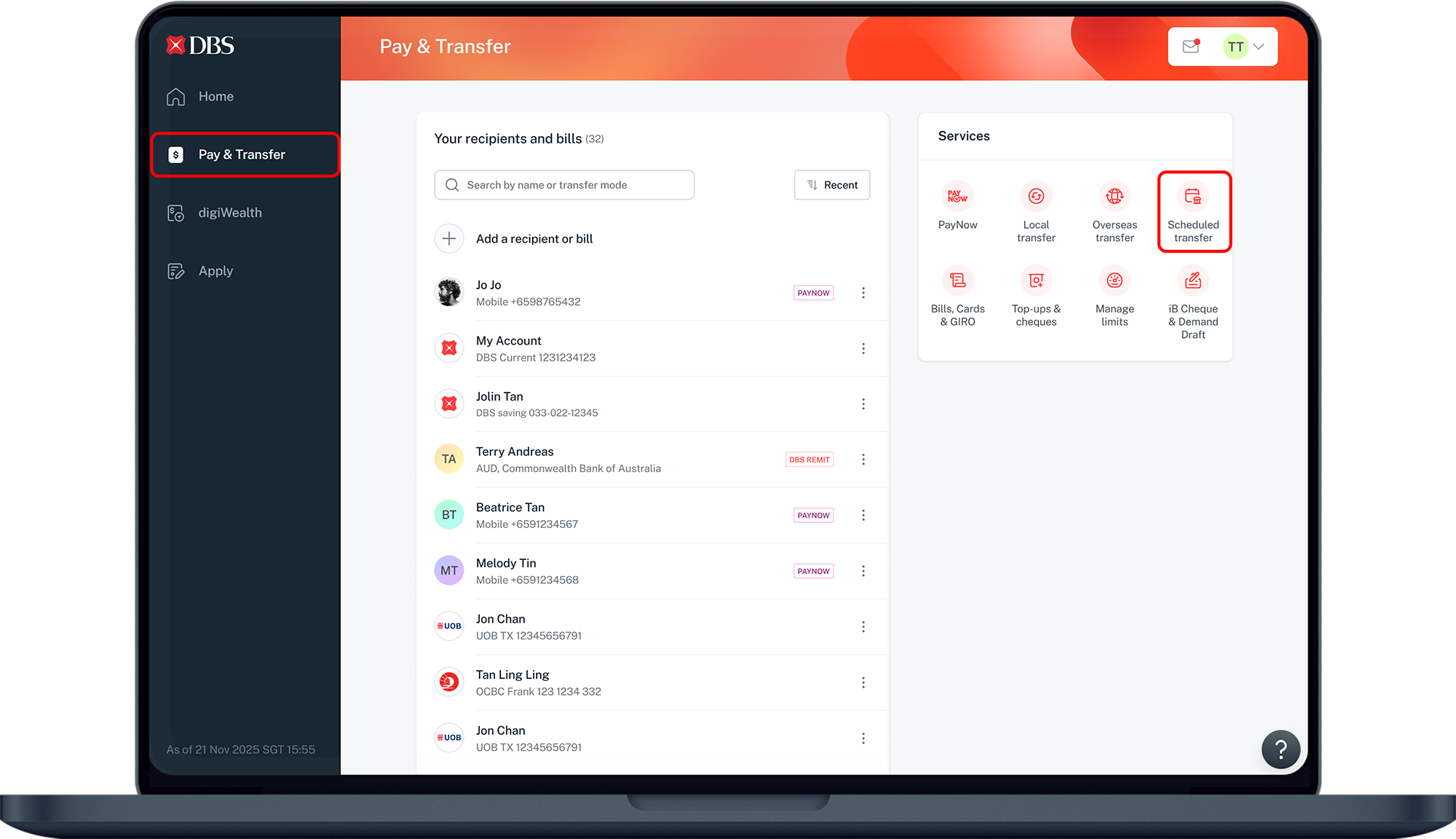
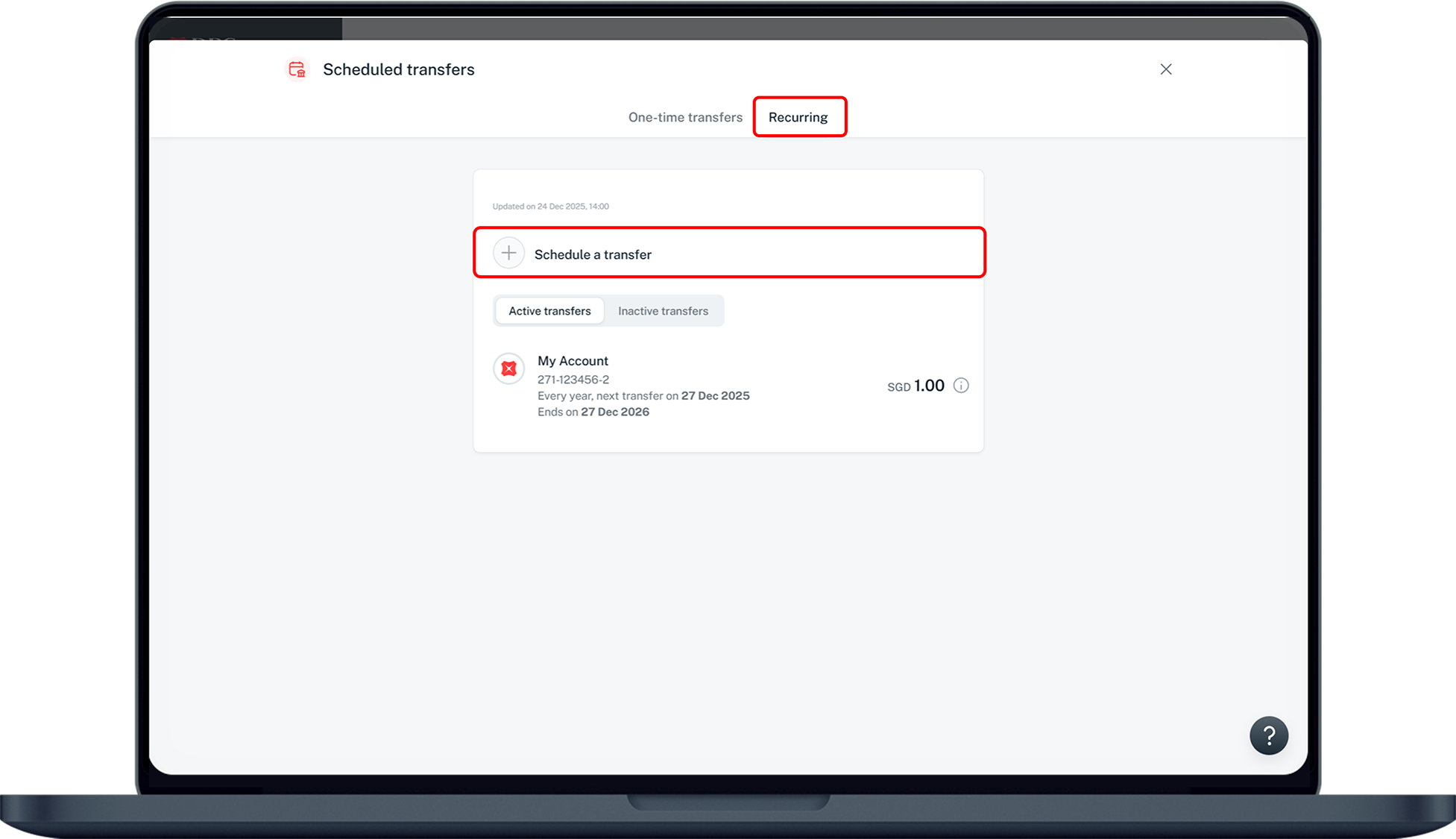
More information
- If the date of payment falls on a Saturday, Sunday or Public Holiday, the system will default it to the next working day (Monday to Friday) and subsequent payment dates remain unchanged.
- If the date of payment falls outside the calendar month (e.g. date of payment is on 29th and February having 28 calendar days), the system will deduct on the preceding working day (Monday to Friday). Subsequent payment dates remain unchanged.
-
Setting up standing instructions to transfer funds is not accepted for the following banks and non-financial institutions (NFIs). To transfer funds to these banks and NFIs, please do so via one-time transfers via the 'Transfer to Other Bank Account (FAST)' option or via PayNow.
- GREEN LINK DIGITAL BANK PTE PTD
- GPAY NETWORK (S) PTE LTD
- LIQUID GROUP PTE LTD
- MATCHMOVE PAY PTE LTD
- NIUM PTE LTD
- SINGCASH PTE LTD
- WISE ASIA-PACIFIC PTE. LTD.
- XFERS PTE LTD
- DBS BANK LTD (To virtual accounts starting with 885)
Was this information useful?