Sending money to China just got easier! DBS Remit now supports Weixin (WeChat) transfers for both local and foreign users.
Whether supporting your family or topping up your Weixin (WeChat) wallet for travelling in China, enjoy almost-instant transfers to Mainland China with preferential rates and zero fees.
Also, enjoy the following offer if you are doing your first overseas transfer!
| Enjoy up to S$60 cashback with DBS Remit If you're a new DBS Remit customer, enjoy cashback when you make your first transfer!
View your vouchers on digibank to apply your rewards, and enjoy your cashback instantly! Terms and Conditions apply. |
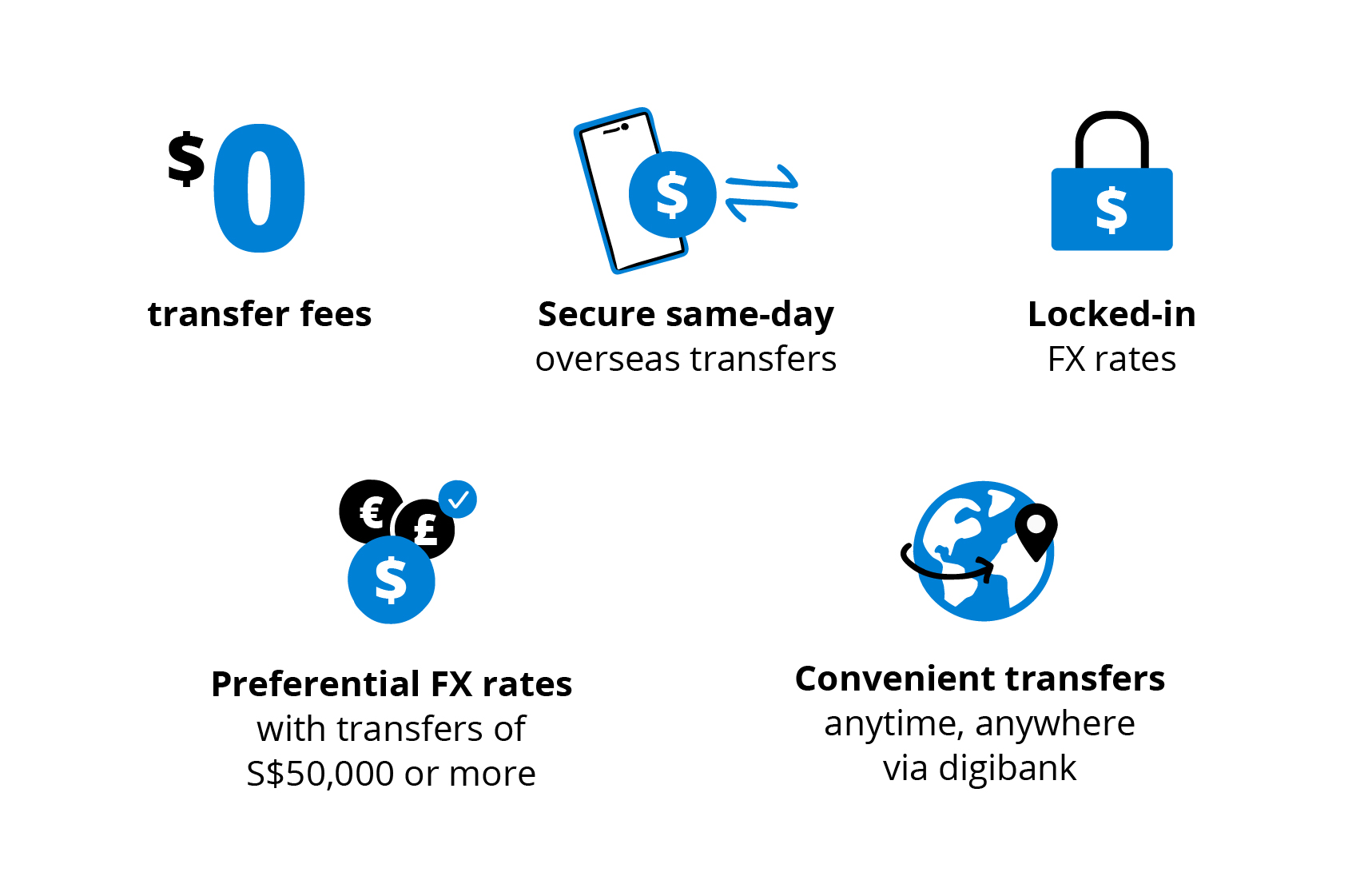
Why remit with the World’s Best Digital Bank

Need help adding an overseas funds transfer recipient?
Follow this step-by-step guide.
New to POSB? Get started.
Open an account and start using DBS Remit through digibank.
Download the digibank mobile app and get access to My Account, DBS Visa Debit Card and more.
For foreigners, please prepare these required documents to open an account.
Tenpay Global is the official remittance brand under Tencent Financial Technology.
Tenpay Global partners with DBS Bank, where DBS Bank is licensed to provide remittance services in the relevant market, and Tenpay Global provides technical support to facilitate the receipt of remittances in the destination market.
Step 1:
Scan to open the Mini Program

Step 2:
Sign Agreement (First Time Only)

Step 3:
Verify Identity (First Time Only)

Step 4:
Select Receiving Method (First Time Only)

Step 5:
Recipient Card Created, Ready to Receive Payments

Check Order Status Anytime

Recipient Registration: To receive funds successfully in Weixin (WeChat), your recipient will need to have a Recipient Card in the “跨境汇款 微汇款” Mini Program. Please remind them to set up the receiving function to enable fund transfers. Refer to the step-by-step registration guide by Weixin (WeChat).
Step 1:
Launch digibank and tap Overseas Transfers. Select your recipient and enter the amount.

Step 2:
Tap on > in the FX Rewards section.

Step 3:
If you have a voucher code, enter the code and tap Add. Otherwise choose from the list of available vouchers and tap Apply. It will be automatically added to your transaction.

Step 4:
Confirm your transfer details, then click Next. Once the transfer is completed, the cashback will be credited to your account.

Step 1: Log in to digibank with your Touch / Face ID or digibank User ID & PIN..
Step 2: Tap on Pay & Transfer followed by the Overseas icon.
Step 3: Tap on Transfer status to view status of your remittance.